Industry playbooks
Photography appointment reminders for portrait and event shoots
Create photography reminders with location, meeting time, preparation, weather decisions, and distinct shot-day communications.
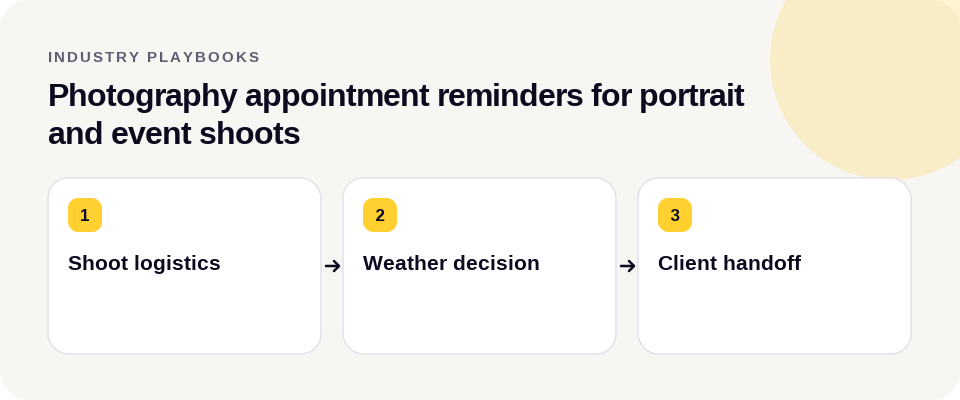
A reminder should tell people where the session actually starts
Clients may know the address of a park without knowing which parking lot or entrance is your meeting point. Put the actual meeting spot in the confirmation, next to the date and local time. If the location is a studio suite, include the entrance number, accessible route if relevant, and what to do at a closed door. Outdoor sessions may involve a short walk between the agreed meeting point and the first shooting location. Plan the arrival buffer around that reality rather than telling clients to appear early without explaining why. Keep the route readable without opening an image attachment.
Make sure your plan distinguishes arrival time, scheduled camera time, and any hard stop. A fifteen-minute mini session runs on a different clock than a corporate headshot block with several staff members. If a late arrival can reduce shooting time under the agreement, explain how to get in touch, not a blanket threat about forfeiting the session. A wedding team may need a separate supplier schedule rather than copying the couple on every shift update. Use the appointment reminder for the responsible contact’s immediate action, not for circulating the entire production plan.
Give one preparation request at a time
Send a preparation guide early enough to be useful, then repeat only essential instructions. If wardrobe is optional and clients have full discretion, do not imply they must buy clothing; share a simple guideline and examples in the prep guide. If you need arrival with hair or makeup finished, say so only when it is part of the agreed session. For a portrait group, ask for a named lead who can coordinate the family or office. A long paragraph of input requirements makes it easy to miss the actual meeting time, especially in an SMS preview.
Document any special access or accommodation through the agreed private communication channel rather than inserting it by default into a group text. Check accessible station arrangements where appropriate with the venue. For a location that requires passes or releases, state where the correct information is, and ensure logistics reflect your actual agreement. Don’t ask clients to sign a release in a generic reminder if it should be reviewed through a separate contract workflow. A reminder can point to a pending task, but sending it should not substitute for reviewing the task before the session starts.
Handle weather without leaving the client in limbo
For outdoor work, establish who makes the decision and when. A forecast on Monday should not accidentally trigger a cancellation for Saturday. Have a weather review time, an indoor fallback if one exists, and clear authority for who communicates the decision. Send an update only when there is meaningful news: decision pending until a stated time, original location confirmed, fallback activated, or date to be replaced. If a client can decline the fallback, explain how to contact you and whether the original session is still possible. Don’t promise a replacement that has not been booked.
Write the fallback text as a miniature confirmation with the new address, actual time, and parking notes. “Rain plan in effect” is only useful if the customer has the agreement easily available and recognizes the named venue. If the location changes but calendar events do not, a navigation app may still send clients to the old address. Change the calendar in the source of truth and confirm advanced reminders cannot repeat the old location. A client who made arrangements for transportation should receive a practical status change early rather than finding out when they reach the original meeting point.
Stop bulk updates from removing important distinctions
During mini-session days, multiple visits at the same location can tempt staff to send one identical logistics message. Do not share a list of names or private details. Provide the common directions where safe, but each confirmation needs the actual reserved appointment time. If a prior slot runs late, update only clients whose turn is genuinely affected and keep the first estimated change separate from the confirmed new appointment. Avoid a group reply thread unless every person has an agreed reason to participate. A basic queue view with each booking’s next action is more reliable than a flood of unassigned incoming texts.
For events, label the timeline checkpoint clearly. A vendor call time, setup start, ceremony time, and guest arrival are distinct. A photographer who coordinates with a planner should have one named owner for each time change. Set the contact method in advance when onsite connectivity is uncertain. If your normal messaging system depends on links, also include the venue and contact number in plain text. The test is whether someone who reads only the latest note can identify where to go and whom to call if they cannot get inside.
Evaluate readiness and protect the next session
Track arrivals ready at the correct meeting point, route or parking questions, weather-related rebookings, and unused mini-session minutes. Weather and seasonal events distort comparisons, so review dates with similar formats and distinguish cancellations outside your control. Ask the assistant or studio manager which pieces of information were missing when delays occurred. Then change the affected template, not every message. Strong photography reminders reduce uncertainty for clients and protect the next booking without requiring a second text that repeats a location, a policy, or a guide already delivered.
A mini-session weather exercise
Set up three fake bookings at a park, each with its own slot, and a covered fallback. Practice making a rain decision before the promised cutoff. Inspect every client confirmation to see that times stayed individual and the venue updated in both the text and calendar. Tell one mock client the replacement is not yet booked, then test the follow-up that confirms it. The next person should never have to infer a new meeting point from a studio-wide update. After the drill, make sure your staff-only shot schedule still has the setup buffer and that clients are not directed to an inaccessible entrance.